
mainbanner iiyama
iiyama logo 120x35px

One dock to rule them all.

What is a USB-C dock and how does it work?

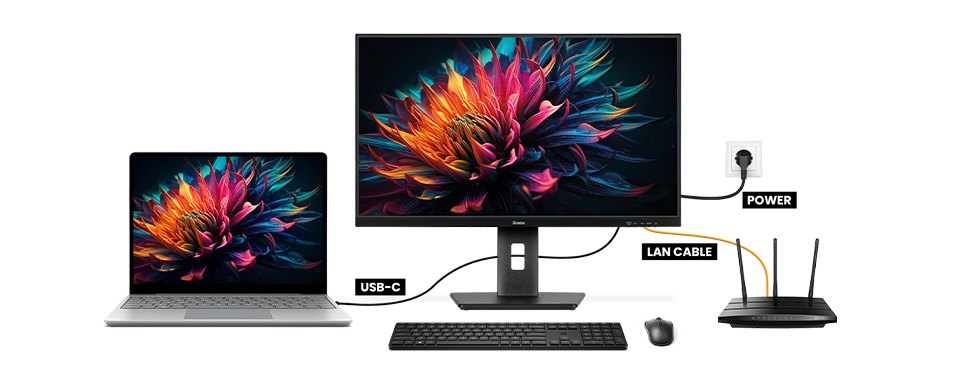
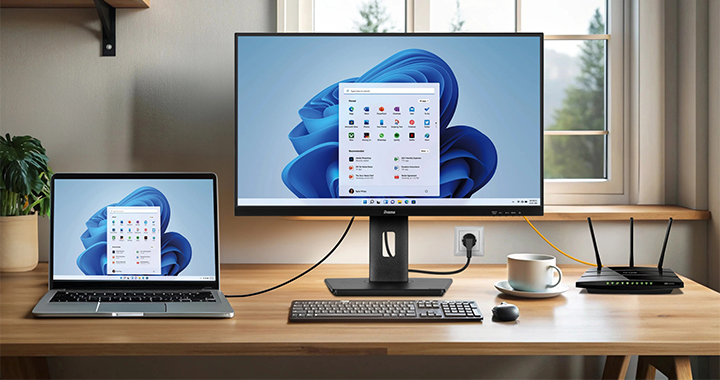
A USB-C dock allows you to connect your laptop to a monitor using just one cable. This single cable handles charging, wired network connection, and transmitting the laptop’s display signal to the monitor. You can also connect a second monitor and plug in peripherals like a mouse, keyboard, or webcam—all through the same USB-C dock in your monitor.

Please note, functionality depend on your laptop’s USB-C support.

8 grid banner iiyama
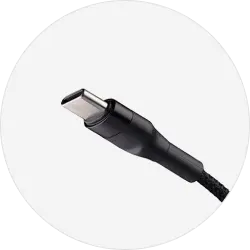
usb-c cable
The signal is sent from the laptop to the monitor.
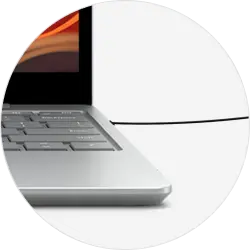
charging laptop
The monitor serves as a charger for the laptop.
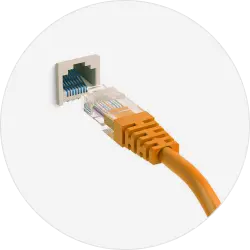
network cable
The laptop is automatically connected to a wired network.
Please allow cookies to see content from YouTube.

We use YouTube to embed video content on our website. This service may collect data on your activity. For more information, please go to the settings page.

Verbind-meerdere-monitoren

How it works.

This video explains how a USB-C dock simplifies connecting a laptop to a monitor. It demonstrates how a single cable can power the laptop, connect it to the internet, and transmit the display signal to the monitor.
Please allow cookies to see content from YouTube.

We use YouTube to embed video content on our website. This service may collect data on your activity. For more information, please go to the settings page.

6 grid banner fast and powerful

Snel-en-Krachtig

Fast and powerful.

The USB-C cable delivers 65 W of power to charge your laptop and other devices, eliminating the need for bulky power supplies. It also transfers data quickly, ensuring high-quality audio and video without losing colour accuracy or refresh rates—all through a single cable.

6 grid banner Simplified Connections

Vereenvoudigde-Connecties

Simplified connections.

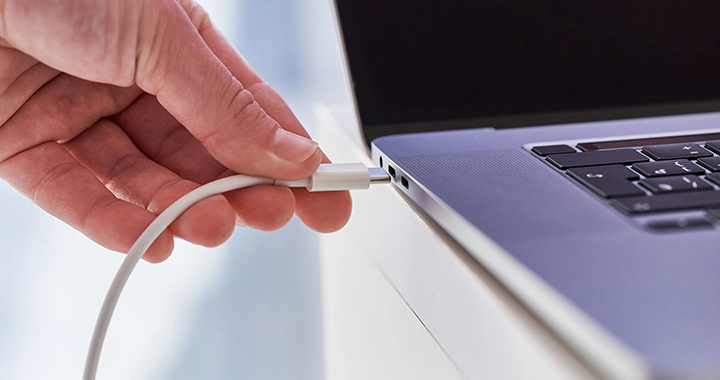
The USB-C connector is reversible, so it plugs in easily every time. No more worrying about bent or broken ports because of incorrect alignment.

6 grid banner Simplified Connections
6 grid banner connect multiple monitors

Verbind-meerdere-monitoren-multiple

Connect multiple monitors.

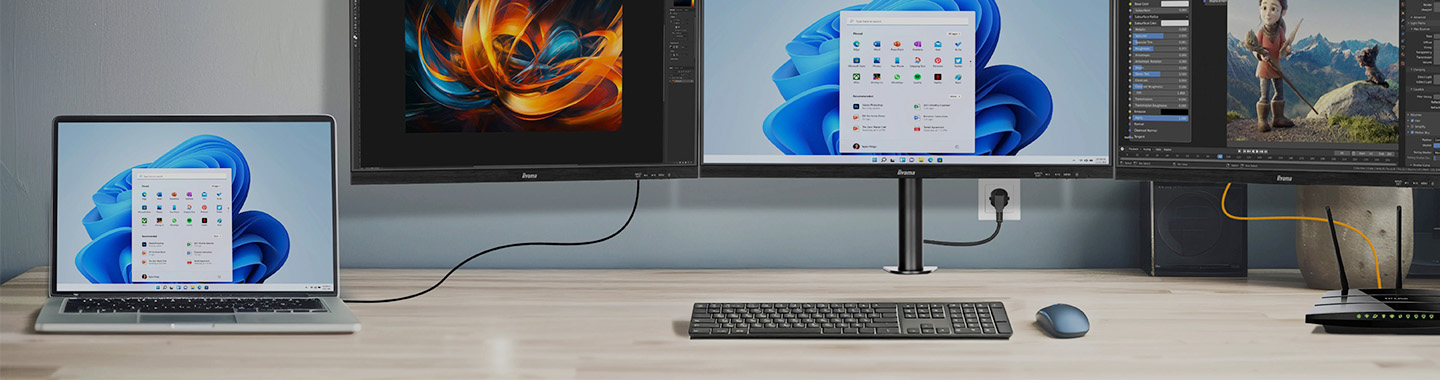
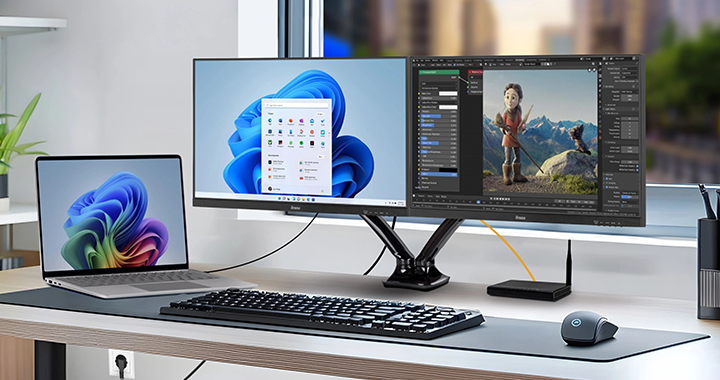
Daisy chain is a wiring scheme in which multiple devices are wired together in sequence or in a ring, like a garland of daisies. It lets you connect multiple monitors in a sequence using one USB-C cable. This setup makes multitasking easier by allowing you to organize different tasks across multiple screens without the need for additional docking stations or complex laptop configurations.

Lagere-kosten-minder-stress

Fewer costs, less stress.

Monitors equipped with a USB-C dock combine multiple functions into a single connector, replacing the need for various cables and expensive external docking stations.

Optimaal-Georganiseerde-Werkplek

More organised workspace.

A monitor with a USB-C dock becomes a central hub where your laptop connects to all peripherals like keyboards, mice, and printers. This reduces cable clutter and makes setup simple—just plug in and start working.

Different setups.

Setup 1


Single monitor connected to laptop / PC – Clone or extension mode.

  • Signal from the laptop transmitted to the monitor via USB-C

  • Laptop powered by the monitor via USB-C

  • Laptop connected to LAN via USB-C

8 grid banner iiyama

Explore iiyama monitors with USB-C docks.

Manufacturer no.: 
Article no.: 
    Manufacturer no.: 
    Article no.: 
      Manufacturer no.: 
      Article no.: 
        Manufacturer no.: 
        Article no.: 
          Manufacturer no.: 
          Article no.: 
            Manufacturer no.: 
            Article no.: 
              Manufacturer no.: 
              Article no.: 
                Manufacturer no.: 
                Article no.: 
                  Manufacturer no.: 
                  Article no.: 
                    Manufacturer no.: 
                    Article no.: 
                      Manufacturer no.: 
                      Article no.: 
                        Manufacturer no.: 
                        Article no.: