




Effortless switching between devices.
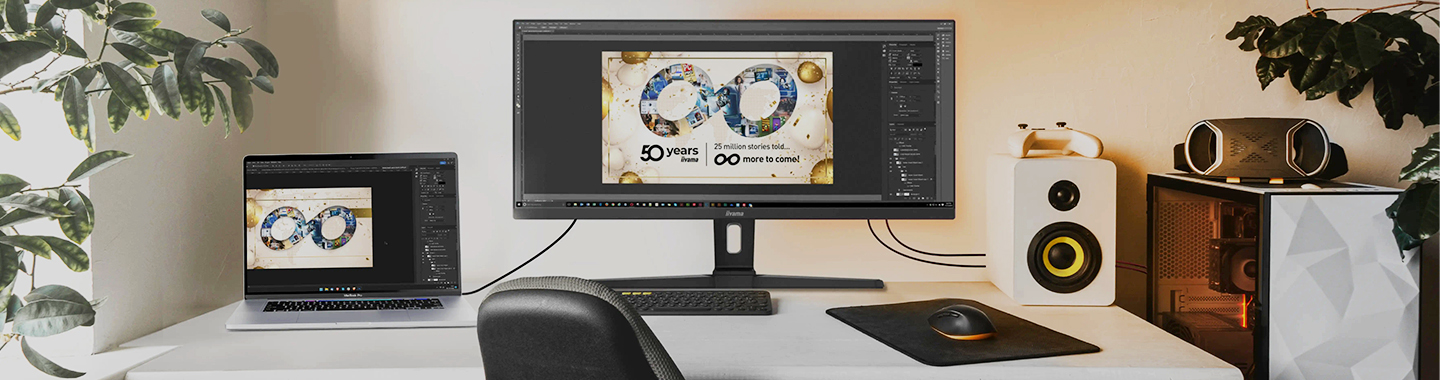
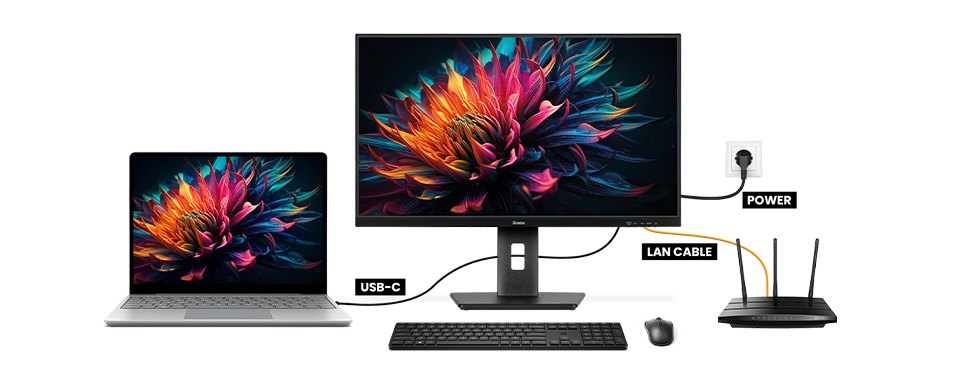
With two computers connected to one monitor, you can seamlessly switch between your work and personal computers. For example, if you’re a graphic designer or videographer, you can switch to a second PC to work on another project or relax by watching your favourite show while the other PC is busy rendering a file—all without unplugging cables or leaving your seat!
Simplified cable management.
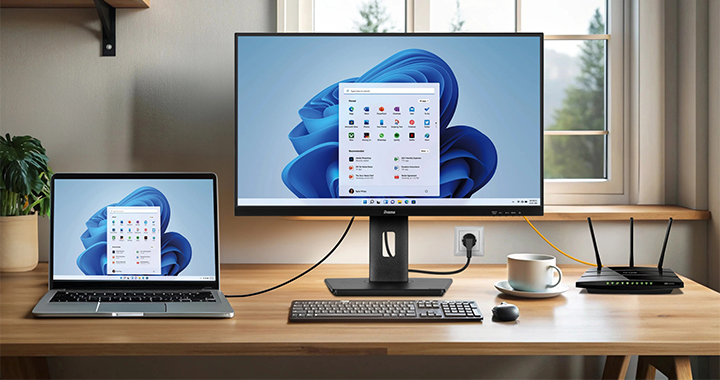
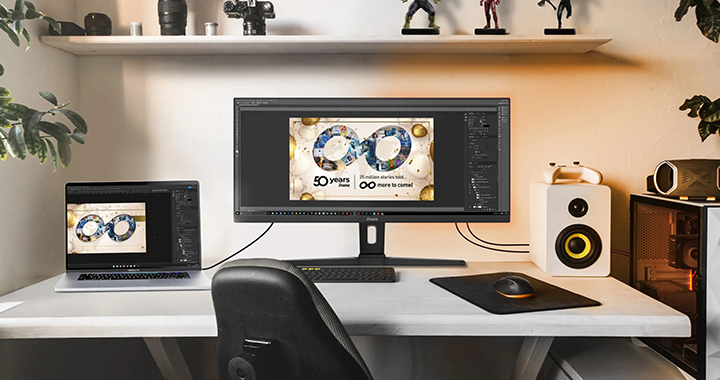
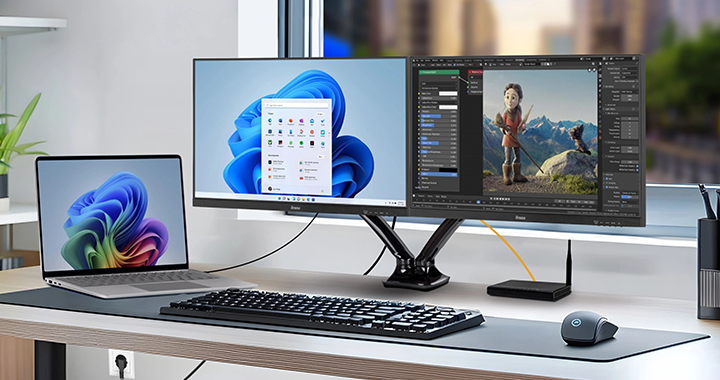
A KVM switch helps declutter your desk. Once your devices and peripherals are connected to the monitor, there’s no need to replug them when switching between computers. Set up your environment once, plug everything directly into the monitor, and avoid the hassle of reaching behind the monitor to switch devices repeatedly.
Less equipment on the desk.
By connecting all your peripherals to a single monitor, you can create an organised setup perfect for home offices, coworking environments, and corporate offices. When combined with a high-resolution or curved monitor, this setup enhances efficiency and supports multitasking.
Cost savings.
Investing in a monitor with a built-in KVM switch can lead to significant cost savings. You eliminate the need for additional monitors, keyboards, and mice, reducing equipment costs. This also means fewer devices for IT to manage, lowering the potential for technical issues and reducing overall maintenance costs. Additionally, the reduced need for desk space can translate into lower office space requirements, further cutting expenses.
Efficiency.
If combined with large resolution or curved style of the monitor, you will get a perfect support for efficiency and multitasking.