
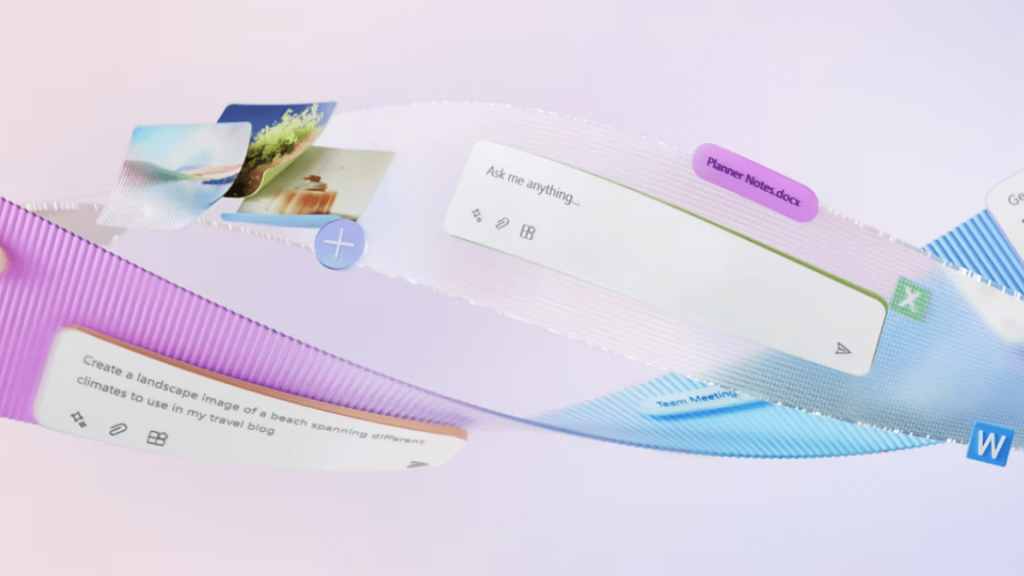

Microsoft 365 Copilot adds Artificial Intelligence (AI) to Outlook, Teams, Word, Excel, PowerPoint, and all other Microsoft 365 office applications. This will completely change the way we work.

Copilot for Microsoft 365.

Bechtle participated in the ‘Microsoft Copilot for 365 Jump Start’ programme allowing us to provide practical insights to prepare your organisation for a future in which AI boosts efficiency and productivity.

Discover our inspiration workshop

Top Copilot 365

Streamline your work processes and drive productivity.

Copilot 365 Icon 1
Boost productivity – Get jobs done faster

Let Copilot automatically gather and summarise meeting notes or generate replies to e-mails.

Copilot 365 Icon 2
Increase creativity – Be inspired

Use Copilot’s creative suggestions to create reports, presentations, documents and other content.

Copilot 365 Icon 3

Work securely – Solid security you can trust

Copilot is part of Microsoft 365. You can be confident that your data is secure.

Copilot 365 Icon 4

Simplify collaboration – Bring teams closer together

Copilot integrated in Teams, Word, Excel, PowerPoint and Outlook helps teams collaborate more efficiently.

Copilot 365 Icon 5

See the bigger picture – Important information at your fingertips

Copilot keeps you informed, eases your workflows and helps you complete your daily tasks faster and with better results.

What can Microsoft Copilot do for your organisation?

Copilot for Microsoft 365 makes it easier to write and edit proposals, e-mails, reports, presentations and other texts. It assists you with suggestions and potential corrections and also facilitates collaboration within Teams meetings by automatically listing action points and summarising and sharing decisions.

Fully integrated into Microsoft 365 office applications, Copilot adapts to your style, tone and preferences. Want to know how Copilot can help the departments within your organisation tackle their day-to-day business? Here are some examples:

Want to find out more about Copilot for Microsoft 365?

Attend the Copilot inspiration workshop and discover how it simplifies your work (and that of your team).

During this inspiration session, we will bring to light the following topics:

  • What is Artificial Intelligence;
  • The Microsoft Copilot family;
  • Microsoft 365 Copilot;
  • Demos within Office applications such as Word, PowerPoint, Outlook, Teams and Excel;
  • Practical case studies based on input from your organisation;
  • Pragmatic tips to get started with AI yourself.

Want to know what we can offer your organisation around Copilot?
Fill in the contact form and we will contact you to discuss the possibilities.

Schedule your appointment here

Modern Office with Open Space Design
Copilot 365 Data governance

Data governance and Copilot for Microsoft 365

Microsoft does a lot to ensure privacy when using Copilot, but managing your data remains the responsibility of your organisation. Help employees work securely by keeping data classification and management for Copilot in line with your data governance framework. Within data governance, you record how you manage and create data, and how you determine and assign value and sensitivity. In order to comply with the GDPR and other relevant legislation, you must ensure that Copilot cannot share sensitive or confidential information with unauthorised persons.

Looking for support in managing and classifying your data? Contact one of our data governance experts before starting out with Copilot. Nicholas will answer your questions about information security, data governance and help you determine which rules should apply to each role in your organisation. He will also be happy to help you implement and optimise data management and data classification within Copilot for Microsoft 365.

 
Strengthen your cyber resilience with Microsoft
 
 
Migrate to Windows 11


Want to find out more?

Get in touch with Niels Pauel, Team Lead, Outside Sales.

Niels Pauel


Niels Pauel

Team Lead, Outside Sales

+31 438 080 822

niels.pauel@arp.com

* Required fields

We take the protection of your data very seriously. For details, please read our Privacy Policy.

By submitting this form you agree that ARP Nederland B.V. may process your personal details in line with our Privacy Policy. You also agree that we may contact you by phone about our products and services.