

Windows Autopilot simplifies the way devices get deployed, reset, and repurposed, with an experience that is zero touch for IT and benefits users.
Out of the box and ready to go
Unbox and turn on your Windows device. Windows Autopilot configures it from the cloud in a few steps.
Keep track of the whole process
Windows Autopilot shows users how their configuration is progressing.
Provisioning minus the hassle
Deliver a better user experience with personalisation and a simple setup.
Move to the cloud at your own pace
Connect devices deployed with Windows Autopilot to Azure Active Directory (AD) and mobile device management.
Windows Autopilot provides installation and preconfiguring services for new devices so you can simply unbox and start working.
Make it easy for end users to set up new devices, without any IT involvement, using Windows Autopilot.
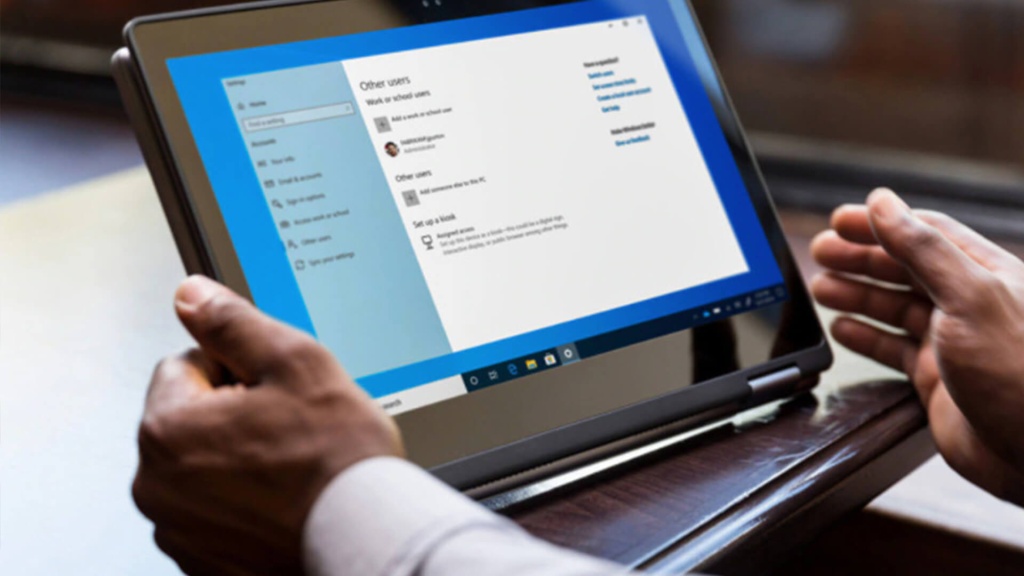
Deploy Windows 10 on kiosks, digital boards or even on shared devices—with little or even no interaction required.

Easily deploy the latest version of Windows 10 to existing devices with apps installed and profiles synced so users can resume work right away.

Give partners and IT staff the option to pre-provision Windows 10 devices so that they’re fully configured and ready to use for companies and users.

Remove personal files, apps, and settings, and reapply the device’s original settings, all while maintaining its identity in Azure AD. Perfect for repurposing a device for the next user.
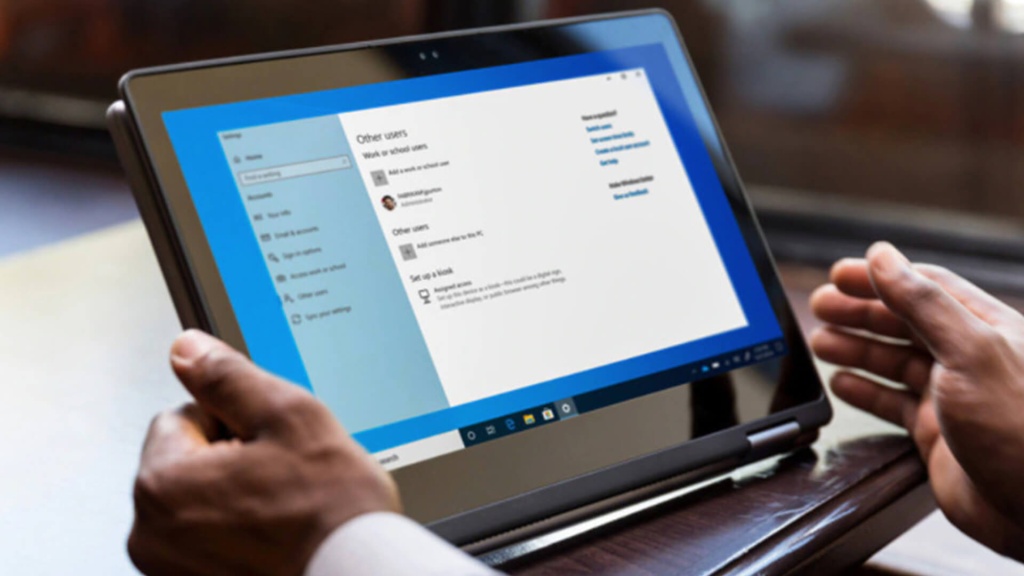
Ensure that devices are fully configured, compatible, and secure before users can access the desktop.

With Windows Autopilot, there’s no need to reimage or manually set up new devices before handing them out to your users. Your hardware vendor can ship them, ready to go, straight to your employees.
1. Device registration
The hardware vendor automatically adds new devices to the Windows Autopilot deployment service for you.2
2. Profile creation and assignment
Customise setup and configuration by creating a profile to assign to your organisation’s devices.
3. Shipping
Your vendor ships devices to users. They turn the device on, go online, and Windows Autopilot delivers apps and settings.
1. Requires Azure Active Directory Premium for automatic MDM enrolment and custom company branding.
2. Microsoft recommends organisations request their device vendor to process all Windows Autopilot registrations into the organisation’s tenant. This relieves IT from having to manually process hardware hashes with each new hardware purchase.
Get in touch with Niels Pauel, Team Lead, Outside Sales.
* Required fields
We take the protection of your data very seriously. For details, please read our Privacy Policy.
By submitting this form you agree that ARP Nederland B.V. may process your personal details in line with our Privacy Policy. You also agree that we may contact you by phone about our products and services.